

Hidden Smartphone Tricks Most People Never Use — But Probably Should
Most people use their smartphones every single day without realizing how many useful tools are already built into them.
We tap, swipe, scroll, reply to messages, check social media, and move through routines so automatically that we rarely stop to explore what our devices can actually do. For many users, smartphones become familiar enough that they feel simple—but beneath the surface, modern phones contain dozens of hidden shortcuts and practical features designed to save time, reduce stress, and make everyday life easier.
The surprising part is that many of the best tricks require almost no effort at all.
Some are activated with a quick press of a button. Others are already sitting quietly in your settings menu waiting to be turned on. And once you start using them regularly, it becomes difficult to imagine going back.

From instantly silencing calls to launching your camera in seconds, small smartphone shortcuts can completely change how smoothly your day runs.
The One-Tap Trick That Silences Calls Instantly
Almost everyone has experienced that awkward moment when a phone suddenly rings in a quiet place.
Maybe you’re sitting in a meeting, riding public transportation, attending class, or standing in line somewhere silent when your ringtone unexpectedly fills the room.
Most people panic and scramble to decline the call entirely.
But many smartphones include a much easier option.
On both many Android devices and iPhones, simply pressing one of the volume buttons while the phone rings immediately silences the ringtone without rejecting the call.

The caller can continue ringing normally, but the loud interruption stops instantly.
It’s a small feature, but one that can save people from unnecessary stress or embarrassment in public settings.
And surprisingly, many users never discover it.
The Camera Shortcut That Saves Important Moments
One of the biggest frustrations with smartphone cameras is timing.
You see something funny, beautiful, unexpected, or meaningful—but by the time you unlock your phone, find the camera app, and open it, the moment is already gone.
That’s why modern smartphones include quick camera launch shortcuts.
On many devices, you can:
- Swipe directly to the camera from the lock screen
- Double press the power button
- Use a gesture shortcut
- Tap a custom lock-screen camera icon
These shortcuts open the camera almost instantly without fully unlocking the device.
Parents especially appreciate this feature because children, pets, and spontaneous moments rarely wait for perfect timing.

Sometimes a two-second shortcut is the difference between capturing a memory and missing it completely.
Widgets Quietly Make Phones Much More Useful
For years, many smartphone users ignored widgets completely.
They seemed unnecessary or confusing compared to regular app icons.
But widgets have evolved into one of the most useful smartphone features available.
Instead of opening multiple apps throughout the day, widgets place important information directly onto your home screen where you can see it immediately.
Popular widget options include:
- Weather forecasts
- Calendar schedules
- To-do lists
- Fitness tracking
- Music controls
- Battery usage
- News headlines
- Notes and reminders
Rather than constantly navigating through menus and apps, widgets allow users to interact with information instantly.
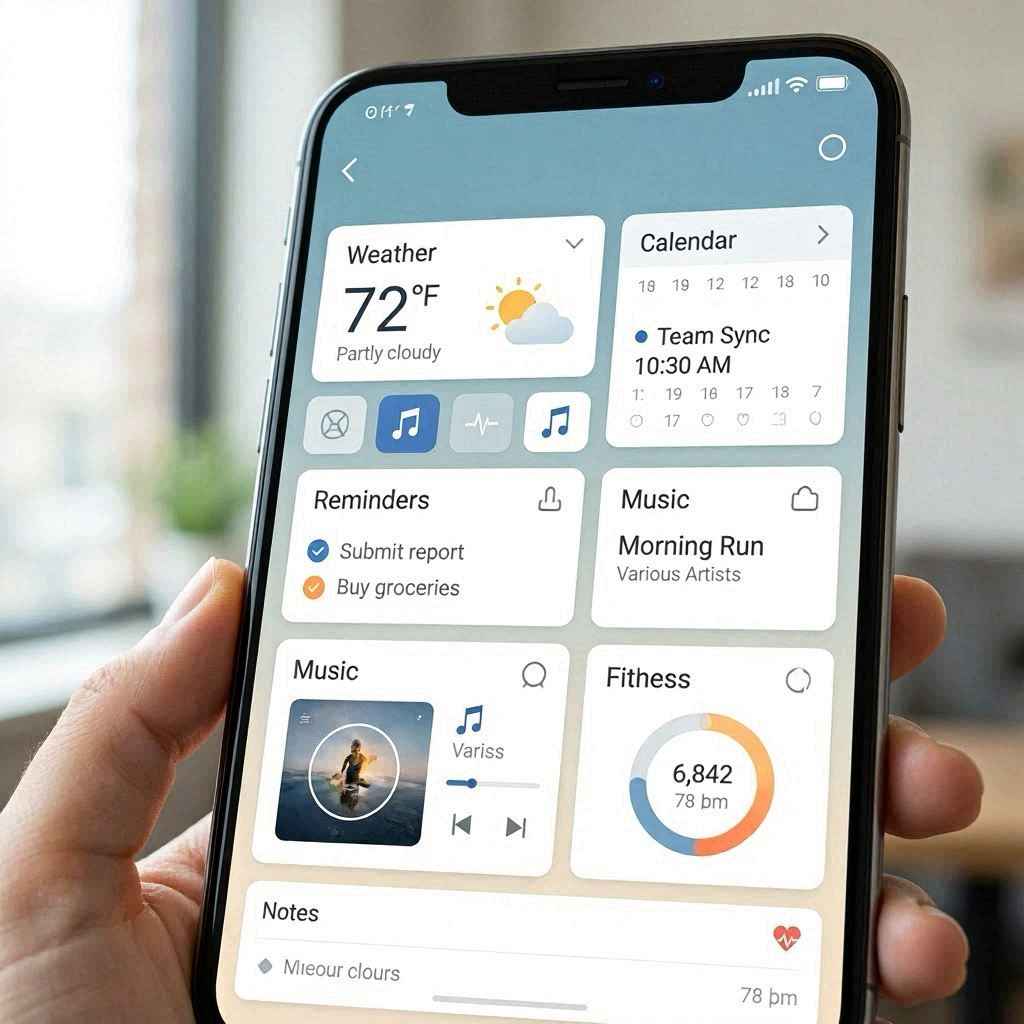
Over time, this can make phones feel faster, simpler, and far more personalized.
Dark Mode Is About More Than Appearance
Many people activate Dark Mode simply because they like the way it looks.
But the feature serves practical purposes too.
Dark Mode changes bright white backgrounds into darker tones that are easier on the eyes, especially at night or in dim environments.
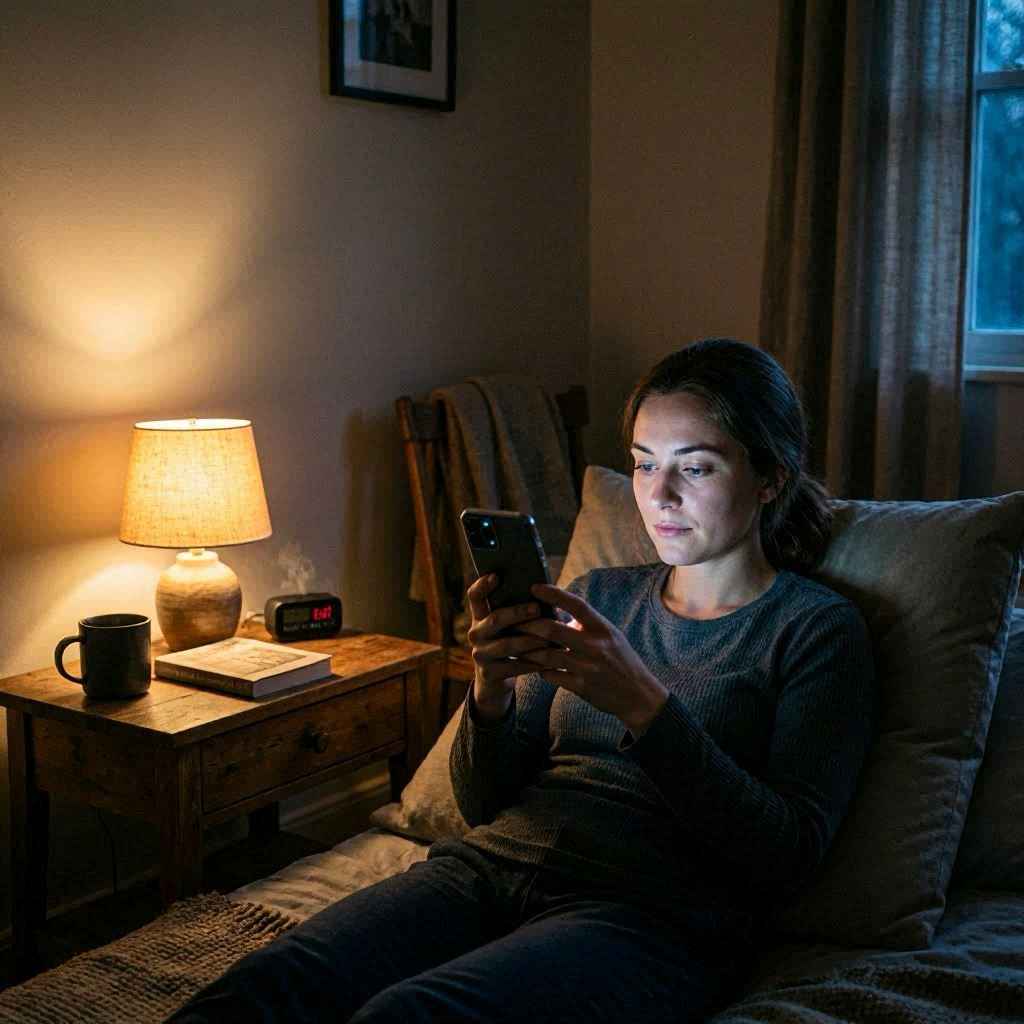
For users who spend long hours reading emails, browsing online, or checking messages before bed, Dark Mode can feel noticeably more comfortable.
Many phones also include Night Mode or Eye Comfort settings that reduce blue light exposure during evening hours.
These settings are designed to help reduce eye strain and support healthier screen habits—especially for people who use phones late into the night.
While Dark Mode will not completely eliminate screen fatigue, many users report that it makes nighttime phone use significantly easier.
Small Battery Habits Make a Huge Difference
One of the most common complaints among smartphone users is poor battery life.
But in many cases, simple adjustments can dramatically improve how long a device lasts throughout the day.
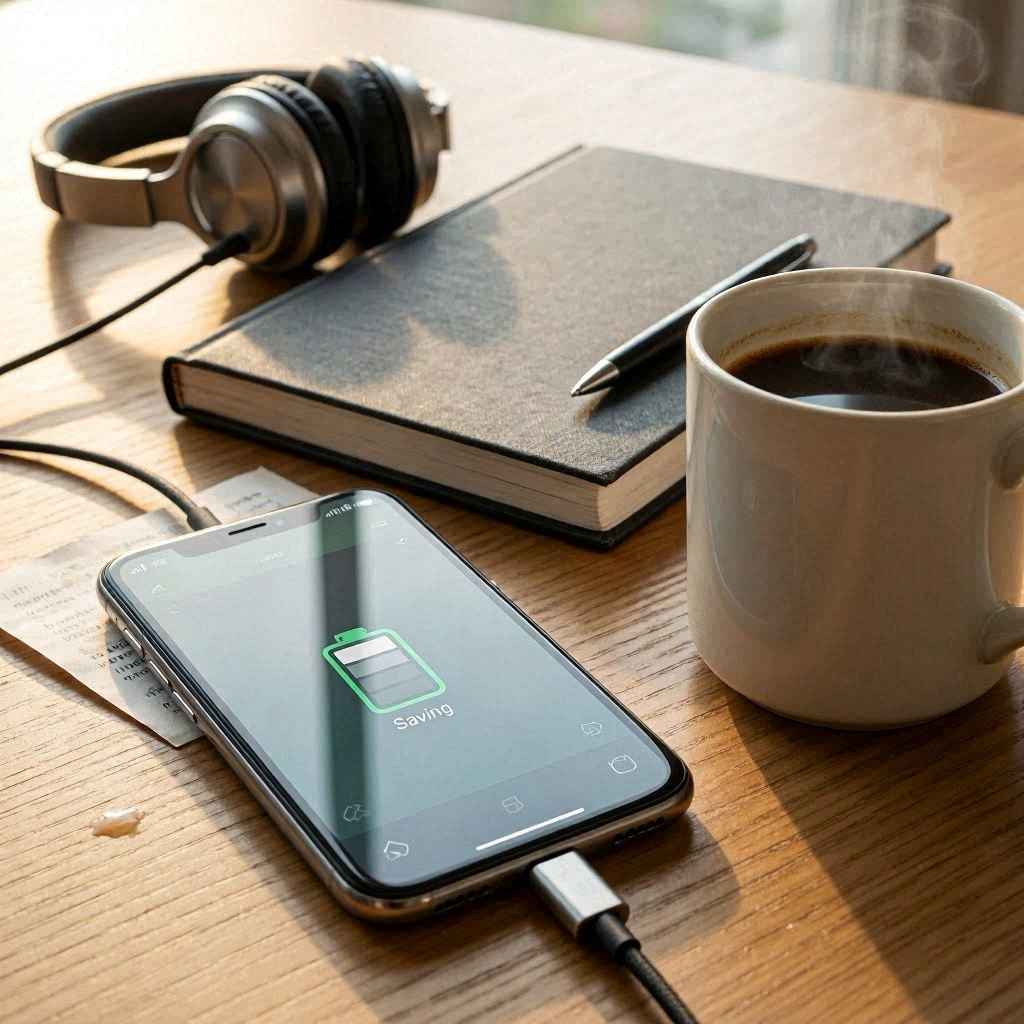
Some of the easiest battery-saving habits include:
Lowering Screen Brightness
The display is one of the largest battery drains on any smartphone. Reducing brightness—even slightly—can noticeably extend battery life.
Turning On Power Saving Mode
Most phones now include battery optimization settings that automatically reduce background activity when power runs low.
Closing Unused Apps
Apps running in the background can quietly consume battery and memory even when not actively used.
Removing Unnecessary Files
Old downloads, duplicate photos, and unused apps can slow performance over time.
Disabling Unused Features
Bluetooth, GPS, and Wi-Fi scanning can continue operating even when not needed.
These small adjustments may seem minor individually, but together they can significantly improve both performance and battery health.
Software Updates Matter More Than Many Realize
A surprising number of users postpone software updates for weeks—or even months.
The notifications feel inconvenient, and people worry updates will change familiar layouts or slow older phones down.
But updates often contain important improvements including:
- Security protections
- Battery optimization
- Bug fixes
- Performance enhancements
- New features
- Better app compatibility
Ignoring updates for too long can leave devices more vulnerable to security risks and software problems.
While occasional updates may introduce adjustments users need time to adapt to, staying current generally helps phones operate more safely and efficiently.
Your Smartphone Is Probably More Powerful Than You Think
One reason people overlook smartphone features is because modern devices already feel capable enough for daily life.
If texting, calling, browsing, and social media work fine, most users never feel pressure to explore deeper settings.
But smartphones today are essentially compact computers filled with tools designed to simplify routines, organize information, improve accessibility, and reduce unnecessary steps.
Many hidden features exist specifically because developers know people value speed and convenience.
The challenge is simply discovering them.
Small Shortcuts Create Less Daily Friction
What makes smartphone shortcuts so valuable is not that they dramatically change life overnight.
Instead, they quietly remove tiny frustrations repeated throughout the day.
Silencing calls faster.
Opening the camera instantly.
Checking information without opening apps.
Reducing eye strain at night.
Saving battery during long days.
Individually, each improvement seems small.
But together, they make technology feel smoother, calmer, and more supportive rather than distracting or exhausting.
Customization Helps Phones Feel More Personal
Another major advantage of modern smartphones is flexibility.
Two people can own the exact same device yet use it completely differently based on their routines and preferences.
Some users prioritize productivity with calendars, reminders, and work widgets.
Others focus on entertainment, photography, fitness tracking, or minimalism.
The ability to customize layouts, shortcuts, notifications, widgets, wallpapers, and accessibility settings allows smartphones to adapt to individual lifestyles rather than forcing everyone into the same experience.
That personalization is part of what makes smartphones feel so integrated into daily life.
Many Useful Features Require No Extra Apps
One of the best parts about these shortcuts is that most are already built into the phone itself.
You usually don’t need to:
- Download anything
- Buy accessories
- Subscribe to services
- Install complicated software
The tools already exist.
They simply remain unnoticed because most people never explore settings menus or hidden gestures beyond basic setup.
Sometimes spending just fifteen minutes reviewing your phone’s settings can uncover features that make everyday use dramatically easier.
Final Thoughts
Smartphones have become such a routine part of life that many users stop noticing how much potential sits quietly inside them.
But hidden beneath the familiar apps and notifications are countless shortcuts designed to save time, reduce stress, improve comfort, and simplify daily routines.
From muting calls instantly to launching cameras in seconds, small features can make surprisingly large differences over time.
And the best part is that most of these tools are already available right now on the device sitting in your hand.
No expensive upgrade required.
Sometimes, getting more from your smartphone isn’t about buying something newer.
It’s simply about learning how to use what you already have a little more wisely.
0 Comments